B2B Invoice and Payment Automation
4 min read
Learn how B2B payment automation streamlines invoices, approvals, ERP sync and payments while reducing costs, errors and processing time.
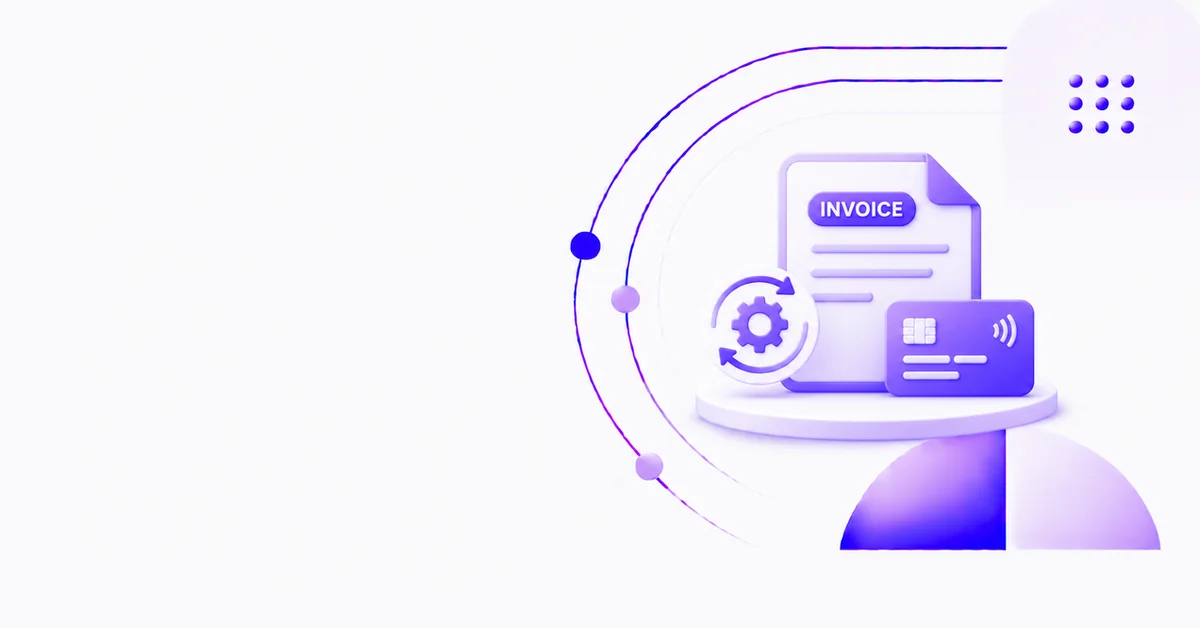
B2B payment automation is the use of software to run the invoice-to-pay process end to end, from receiving an invoice through to settling it, with little or no manual handling. It replaces the email chains, spreadsheets and manual keying that slow finance teams down. This article explains how the process works, the gains it delivers, and where it is heading.
What the process covers
Accounts payable automation digitises and streamlines the steps between an invoice arriving and a supplier being paid. It captures and validates invoice data, routes approvals, syncs with the accounting or ERP system, and executes payment. The typical workflow runs like this.
- Invoices arrive by email, PDF, scan, EDI or a supplier portal, and the system extracts header and line-level data without needing a rigid template for each supplier.
- Each invoice follows predefined approval rules based on amount, entity, department, vendor or category, and approvals can be given from any device.
- Approved invoices sync back to the ERP in real time, keeping records accurate and audit-ready.
- Payment is executed and reconciled, closing the loop without manual matching.

The point is that data moves through the process once, cleanly, rather than being re-entered at each stage.
Why finance teams adopt it
The case for automation is measured in cost, speed and control, and the figures are substantial.
- Lower processing cost. Organisations often cut invoice processing costs by 50 to 80 per cent, depending on volume, complexity and how mature their automation is.
- Faster cycles. Businesses using advanced automation have reduced invoice processing to 2.9 days on average, against a typical 8.2 days, with some reporting as little as 1.4 days.
- Fewer errors. Removing manual data entry cuts the mistakes that cause duplicate or incorrect payments.
- Better cash control. Faster processing helps capture early-payment discounts and avoid late fees, and gives clearer visibility of what is owed and when.
These gains compound. A team that no longer keys invoices by hand spends its time on exceptions and supplier relationships instead, which is where judgement actually adds value.
What to get right before automating
Automation rewards a clean starting point. Three things decide how smooth the rollout is. First, the supplier data: names, bank details and tax identifiers need to be accurate, because automation applied to messy records simply produces errors faster. Second, the approval rules: they should reflect how spending authority actually works, including thresholds, delegations and the exceptions that need a second signature. Third, the ERP connection: a real-time, two-way sync keeps the ledger and the automation in agreement, which is what makes month-end faster rather than harder. A business that fixes these before switching on automation avoids the common trap of automating a broken process. Starting with the highest-volume, most repetitive invoice types usually delivers the clearest early return.
Manual versus automated at a glance
| Aspect | Manual process | Automated process |
|---|---|---|
| Data capture | Keyed by hand | Extracted automatically |
| Approval routing | Email and chase-ups | Rule-based, any device |
| ERP update | Re-entered later | Synced in real time |
| Processing time | Around 8.2 days on average | As low as 2.9 days |
| Cost per invoice | Higher | 50 to 80 per cent lower |
The payment layer
Automating the invoice is only half the story. The payment itself is where money actually moves, and how it moves affects both cost and control. Teams are increasingly shifting from cheques and manual bank transfers to programmatic payments, including virtual cards. The scale of that shift is notable: the global value of virtual card transactions is expected to grow by 235 per cent, reaching USD 17.4 trillion by 2029. Virtual cards suit automated flows because each can be issued for a single payment with a set limit, which tightens control and reduces fraud. Connecting the approval workflow directly to the payment execution is what makes a process genuinely touchless. For the payment execution layer, see global payment infrastructure. The mechanics of how these payments move are covered in Fintech Payments: How Modern Payment Systems Work, and the security that surrounds card payments in Secure Card Processing for Small Businesses.
Where it is heading
Touchless processing, where an invoice is captured, coded, matched and routed for approval with no human intervention, is becoming the standard expectation for mid-market businesses. The systems doing this increasingly use machine learning to read invoices without templates and to flag anomalies before payment. The direction is clear: manual handling shrinks to the exceptions that genuinely need a person, and the routine flow runs itself. For a business weighing the move, the question is less whether to automate and more which parts of the invoice-to-pay chain to connect first. The wider category context sits in What Is Fintech? Types and How It Works.
Explore how Artha connects payment execution and reconciliation for fintech products.
Frequently asked questions
- What is B2B payment automation?
- It is software that runs the invoice-to-pay process automatically, capturing invoice data, routing approvals, syncing with the accounting system and executing payment, with minimal manual handling.
- How much can automation save?
- Organisations commonly reduce invoice processing costs by 50 to 80 per cent, depending on volume and complexity. Processing time also falls sharply, from a typical 8.2 days to around 2.9 days with advanced automation.
- What are virtual cards used for in AP automation?
- Virtual cards let a business issue a single-use card number with a set limit for a specific payment.